SMS for Virtual Assistants
Send appointment reminders, scheduling updates and follow-ups on behalf of the business owners you support, all from one simple platform.
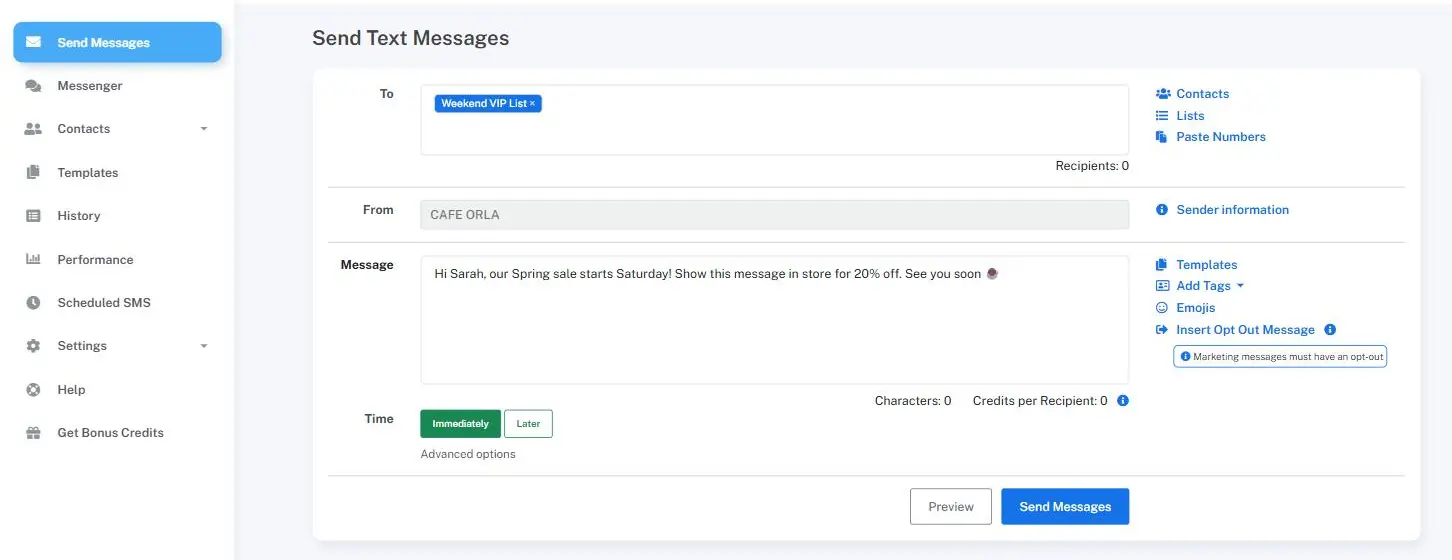


One platform for every client you manage
Email gets missed and phone tag eats half the day, and a lot of what a virtual assistant handles, like confirming a booking or chasing a document, moves faster over text. Virtual assistants use Mobile Message to send those reminders and follow-ups on behalf of the small businesses they support, and to keep every client's replies in one place instead of scattered across a personal phone.
Mobile Message sends at 1.6¢ per message on your first purchase with no monthly fees, so it's easy to run texting for several clients without setting each one up on a separate contract. Set each client up with their own sender name or number, manage replies for all of them in a shared inbox, and use contact lists or our REST API to keep reminders running without sending each one manually.

Appointment and booking reminders
Remind a client's customers about an upcoming appointment so you're not the one making last-minute reminder calls.
Chasing outstanding details
Follow up with a quick text when you're waiting on a document, a payment, or a confirmation from someone.
Scheduling updates
Let someone know a time has changed or ask if they're free for a rescheduled booking, without a long email thread.
Task and deadline reminders
Send a nudge when something a client is waiting on is due, so nothing slips through the cracks.
Managing multiple clients from one inbox
Keep replies for each business you support organised in a shared inbox instead of mixed into your own messages.

1.6¢ per SMS on Your First Purchase
Your first purchase is just 1.6¢ per message at any volume, and credits never expire.
100% Direct Delivery
Messages delivered directly to Australian carriers for maximum speed and reliability.
FREE Dedicated Number
Get a free virtual number to send and receive SMS messages, perfect for 2-way chat.
Built to run smoothly across multiple clients
Separate sender names, contact lists and a shared inbox, at 1.6¢ per message on your first purchase.

Import Your Contacts in Bulk
Easily organise your contacts by uploading spreadsheets and managing them with lists.

Personalise Your Messages
Send personalised messages with each customer's name and other relevant details.

Two-way SMS Messaging
Easily engage with your customers and clients through free two-way messaging.

Automatic Opt-Outs
Include an automated opt-out option to let customers easily unsubscribe from messages.

SMS Message Templates
Create, save, and reuse text messaging templates to reduce time and streamline your communication.

Custom Sender ID
Send your SMS from your business name or a dedicated number to boost your brand identity with customers.

Schedule Messages
Scheduling your SMS messages lets you reach your audience at the perfect time without needing to be online.

Unlimited Users
Give trusted users access to your account, without having to share your login details. Everyone in your team can login.

Add Emojis to Your Messages
Bring your messages to life with emojis. Add personality, emotion and impact to your texts to make them stand out.

Send Messages in Any Language
Send messages in any language your customers speak. With full Unicode support, you can communicate in Chinese, Arabic, Japanese and more.
What virtual assistant texts look like
Realistic examples based on the kind of admin and scheduling texts VAs send on behalf of their clients.
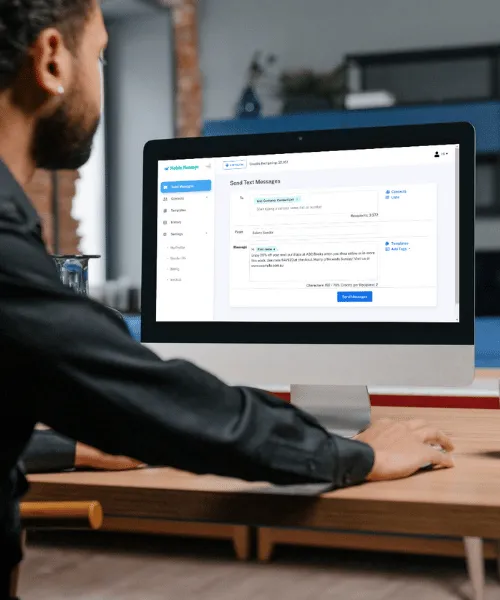
How it works
1Set up each client
Add a sender name or number for each business you support, so texts always look like they're coming from the right place.
2Import contacts
Upload a client's contact list by CSV, or add people one at a time as bookings come in.
3Send or schedule the message
Send a reminder straight away or schedule it ahead of time so it goes out even when you're working on something else.
4Reply from a shared inbox
Keep every client's replies organised in one place instead of mixed in with your personal messages.
Start texting on behalf of your clients
Sign up in minutes and send your first reminder for one of the businesses you support.